Every Unity developer eventually hits the same wall. Downloads look healthy, but players drop off after a few sessions. The game works. The mechanics are solid. But players don't come back.
Engagement isn't about adding more content. It's about designing systems that give players a reason to return, invest, and stay. The studios that sustain healthy DAU numbers aren't just shipping more — they're designing engagement loops that compound over time.
This post covers nine strategies that work. Some are structural (progression, economies). Some are social (guilds, leaderboards). One is newer and increasingly effective: AI characters that players can actually talk to.
1. Design a Progression System That Creates Pull
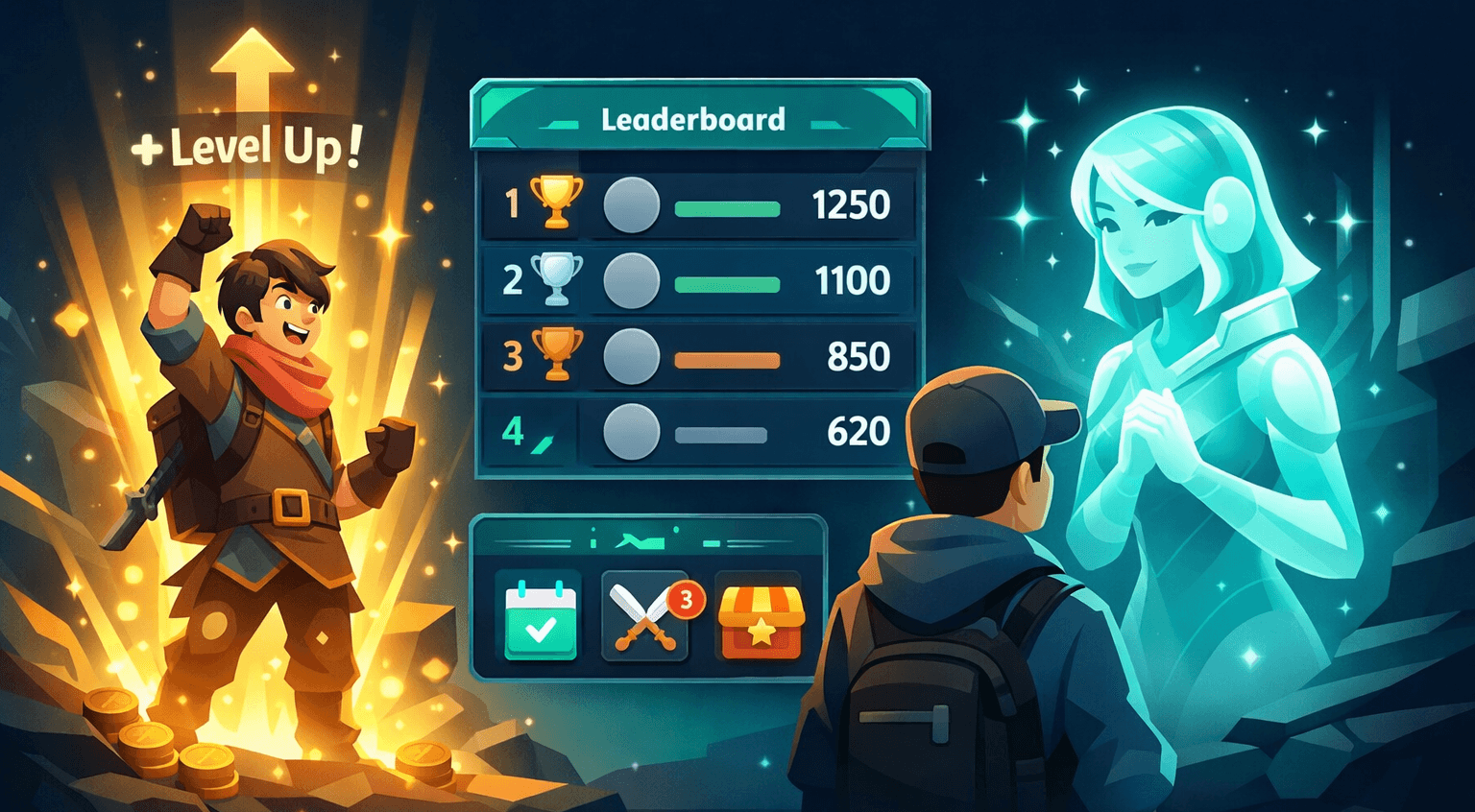
Progression is the most fundamental engagement lever in any game. Without it, players finish what's in front of them and leave. With it, every session ends with a reason to start the next one.
The mistake most Unity developers make is designing progression as a reward schedule — XP bars, level numbers, unlock thresholds. That works for a while, but it flattens. Players stop caring about level 47 vs. level 48 because nothing meaningful changed.
Effective progression creates capability expansion. Each milestone should give the player something that changes how they play:
- New abilities that open up previously inaccessible strategies
- New areas gated behind progression milestones, not paywalls
- Mastery layers — the same mechanic gets deeper as the player advances (combo systems, crafting tiers, difficulty modifiers)
// Example: Milestone-based progression that unlocks new gameplay
public class ProgressionManager : MonoBehaviour
{
    [System.Serializable]
    public class Milestone
    {
        public int levelRequired;
        public string abilityUnlock;
        public string areaUnlock;
    }

    [SerializeField] private Milestone[] milestones;

    public void OnLevelUp(int newLevel)
    {
        foreach (var milestone in milestones)
        {
            if (milestone.levelRequired == newLevel)
            {
                UnlockAbility(milestone.abilityUnlock);
                if (!string.IsNullOrEmpty(milestone.areaUnlock))
                    UnlockArea(milestone.areaUnlock);
            }
        }
    }

    private void UnlockAbility(string abilityId) { /* ... */ }
    private void UnlockArea(string areaId) { /* ... */ }
}Track where players stop progressing. If there's a consistent drop-off at a specific level or milestone, the progression curve is too flat or the unlock at that point isn't compelling enough. Use Unity Analytics or a custom event system to identify these choke points.
The goal is to make progression feel like a story the player is telling about their own growth, not a bar they're filling.
2. Build Daily and Weekly Engagement Loops
Session frequency is the strongest predictor of long-term retention. Players who log in three days in a row are dramatically more likely to still be playing 30 days later than players who play one long session and leave.
Daily and weekly loops create the habit. The key is making them feel like opportunities, not obligations:
- Daily challenges that rotate and require different playstyles each day
- Weekly objectives that reward sustained effort across multiple sessions
- Streak bonuses that compound — but with a "catch-up" mechanic so missing one day doesn't reset everything
The psychological principle here is variable reinforcement. The exact same reward every day loses its pull. A rotating pool of challenges with occasional rare rewards keeps the loop interesting.
public class DailyChallenge
{
    public string Description;
    public int ProgressRequired;
    public int CurrentProgress;
    public RewardTier Tier; // Common, Rare, Epic

    public bool IsComplete => CurrentProgress >= ProgressRequired;
}

public class EngagementLoopManager : MonoBehaviour
{
    [SerializeField] private int streakBonus = 10; // % bonus per consecutive day

    public void OnDailyLogin(PlayerData player)
    {
        if (WasActiveYesterday(player))
        {
            player.LoginStreak++;
            var bonus = Mathf.Min(player.LoginStreak * streakBonus, 100);
            GrantStreakReward(player, bonus);
        }
        else if (WasActiveWithinThreeDays(player))
        {
            // Grace period — reduce streak but don't reset
            player.LoginStreak = Mathf.Max(1, player.LoginStreak - 1);
        }
        else
        {
            player.LoginStreak = 1;
        }

        AssignDailyChallenges(player);
    }

    private bool WasActiveYesterday(PlayerData p) { /* ... */ return false; }
    private bool WasActiveWithinThreeDays(PlayerData p) { /* ... */ return false; }
    private void GrantStreakReward(PlayerData p, int bonus) { /* ... */ }
    private void AssignDailyChallenges(PlayerData p) { /* ... */ }
}
Don't punish players for missing a day. Punitive streak resets feel like the game is working against the player. A grace period or diminishing streak (instead of a hard reset) keeps players motivated to return even after a gap.
3. Implement a Player-Driven Economy
An in-game economy gives players agency over their progression. Instead of the game deciding what the player gets, the player decides what to pursue — and that shift from passive to active engagement dramatically increases investment.
Effective game economies in Unity have three properties:
- Multiple currencies with different earn rates and uses (soft currency for daily play, premium currency for cosmetics, crafting materials for gear)
- Player-to-player trading or marketplaces that create emergent value (what's worthless to one player is exactly what another needs)
- Sinks that matter — currencies need to leave the economy at a rate that keeps earning meaningful
The trap is inflation. If players accumulate resources faster than the economy can absorb them, everything becomes worthless and the incentive to play evaporates.
If you're running a live-service game, monitor your economy metrics weekly: average currency held per player, sink/source ratio, and the percentage of players who've "maxed out" any resource. These three numbers tell you whether your economy is healthy or headed for inflation.
4. Add Social Systems That Create Belonging
Solo engagement has a ceiling. Social engagement compounds. Players who join a guild, add friends, or compete on a leaderboard are retained at significantly higher rates because they're not just invested in the game — they're invested in the people in it.
The most effective social systems in Unity games:
Guilds and Clans
Shared goals, guild-level progression, cooperative challenges. The key is making the guild useful, not just a chat room. Guild raids, shared resource pools, guild-vs-guild competition.
Leaderboards with Context
Global leaderboards are demoralizing for most players. They'll never crack the top 100 and they know it. What works better:
- Friend leaderboards — competing against people you know
- Bracket leaderboards — grouped by skill range, reset weekly
- Activity leaderboards — rewarding participation, not just skill
Cooperative Play
Any mechanic that requires or rewards playing together. Cooperative dungeons, shared building, gift systems, mentor-mentee matching between veterans and new players.
// Bracket leaderboard — players compete within their skill range
public class BracketLeaderboard : MonoBehaviour
{
    public enum Bracket { Bronze, Silver, Gold, Diamond }

    public Bracket GetPlayerBracket(int playerRating)
    {
        return playerRating switch
        {
            < 1000 => Bracket.Bronze,
            < 2000 => Bracket.Silver,
            < 3000 => Bracket.Gold,
            _ => Bracket.Diamond,
        };
    }

    public List<LeaderboardEntry> GetBracketLeaderboard(Bracket bracket, int limit = 50)
    {
        // Fetch top players within this bracket only
        // Players see competitors at their level, not unreachable globals
        return FetchEntries(bracket, limit);
    }

    private List<LeaderboardEntry> FetchEntries(Bracket b, int limit) { /* ... */ return new(); }
}
The social layer doesn't have to be complex. Even a simple "share your build" or "challenge a friend" mechanic creates a connection between the player and other people — and that connection is the strongest retention force in any game.
5. Make Your NPCs Feel Alive with AI Characters
This one is newer, and it's proving to be one of the most effective engagement strategies available to Unity developers right now.
Traditional NPCs are static. Players learn the dialogue tree, exhaust the options, and stop interacting. The NPC becomes set dressing — a quest giver the player clicks through to get to the reward.
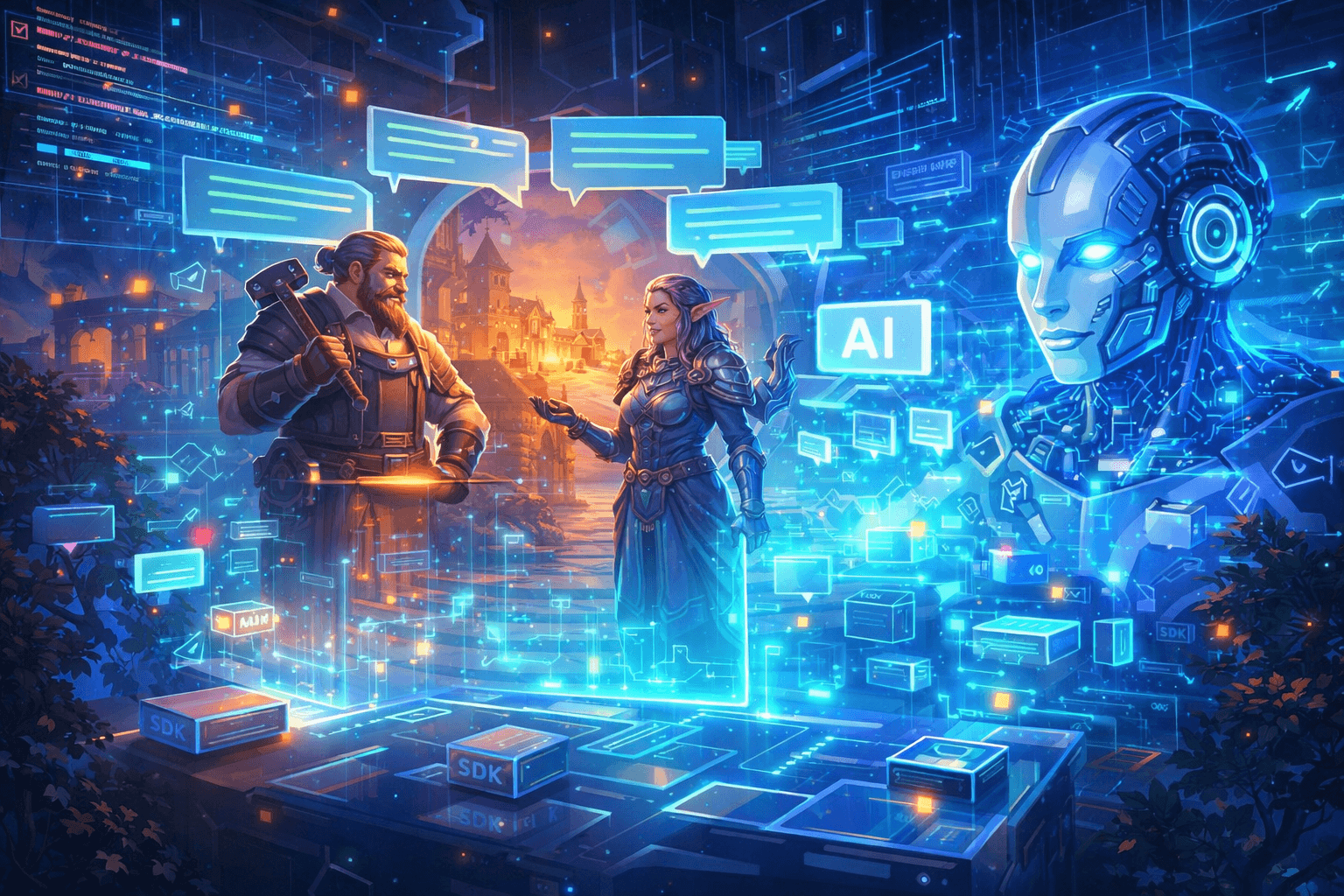
AI characters change this dynamic entirely. When an NPC can hold a real conversation — responding to what the player actually says, remembering prior context, staying in-character — it becomes something players seek out. Players come back to talk to a character they've built a relationship with. That's a retention loop that doesn't require new content.
The engagement impact comes from three properties:
- Unpredictability — the player doesn't know exactly what the character will say, which creates curiosity
- Responsiveness — the character reacts to the player specifically, not generically, which creates investment
- Persistence — the character remembers past conversations, which creates attachment
Studios implementing AI characters report that players who engage with them have longer session times and higher return rates. It makes sense — the character gives them a reason to come back that static content can't replicate.
How to Implement AI Characters in Unity
If you want the fastest path, Journale handles the infrastructure around AI character dialogue — player session authentication, rate limiting, content moderation, and output constraints — so you can add AI characters without a backend project.
using Journale;
using UnityEngine;

public class TavernKeeper : MonoBehaviour
{
    private async void Start()
    {
        await Journale.Initialize("your-project-id");
    }

    public async void OnPlayerInteract(string playerMessage)
    {
        var response = await Journale.ChatToAi("tavern_keeper", playerMessage);

        if (response.Success)
        {
            // Display in your dialogue UI — the response is already
            // concise, in-character, and content-moderated
            dialogueUI.ShowMessage(response.Message);
        }
        else
        {
            // Graceful in-world fallback
            dialogueUI.ShowMessage("The tavern keeper is busy polishing a glass.");
        }
    }
}
Character personality, backstory, and tone are configured in the Journale dashboard — not hardcoded. You can iterate on character voice without shipping a new build.
Start with one high-traffic NPC — a shopkeeper, quest hub character, or companion. Measure session time for players who engage with the AI character vs. those who don't. That delta is your engagement signal for expanding to more characters.
The alternative is building the AI dialogue infrastructure yourself, which is a viable path if your team has backend engineers and wants full control. But it's a significant engineering project — typically 8-10 weeks before you'd trust it in front of real players.
6. Implement Live Events and Limited-Time Content
Live events are the highest-urgency engagement lever. They create a "play now or miss it" dynamic that drives session frequency spikes — and the fear of missing out is one of the strongest motivators in game design.
Effective live events in Unity games:
- Seasonal events with exclusive cosmetics and themed gameplay modifications
- Limited-time game modes that change how the core mechanics work (double XP weekends, special rule sets, boss rushes)
- Community goals where the entire player base works toward a shared target (collective resource gathering, server-wide boss health bars)
The important design principle: live events should be additive, not replacive. They add something new on top of the core loop, not replace it. Players who come for the event should be pulled into the regular game systems, not isolated in an event silo.
[System.Serializable]
public class LiveEvent
{
    public string EventId;
    public string Title;
    public System.DateTime StartDate;
    public System.DateTime EndDate;
    public EventReward[] ExclusiveRewards;

    public bool IsActive => System.DateTime.UtcNow >= StartDate
                         && System.DateTime.UtcNow <= EndDate;

    public string TimeRemaining
    {
        get
        {
            var remaining = EndDate - System.DateTime.UtcNow;
            return remaining.TotalHours < 24
                ? $"{remaining.Hours}h {remaining.Minutes}m left"
                : $"{remaining.Days}d left";
        }
    }
}
Communicate the event calendar to players ahead of time. The anticipation of an upcoming event is itself an engagement driver — players plan their sessions around it.
7. Use Push Notifications and Re-Engagement Hooks
The most engaging game in the world doesn't matter if the player forgets to open it. Re-engagement systems bring players back at the moments when they're most likely to return.
Effective re-engagement for Unity mobile and cross-platform games:
- Context-aware notifications — "Your crops are ready to harvest" is better than "Come play!" because it gives the player a specific reason to return
- Lapsed player incentives — after 3, 7, and 14 days of inactivity, escalate the return incentive (returning after a week gives a resource bonus)
- Social triggers — "Your friend just beat your high score" or "Your guild needs help with a raid"
The line between helpful and annoying is about relevance. Notifications tied to something the player cares about (their progress, their friends, their resources) are welcome. Generic "we miss you" notifications are uninstalls waiting to happen.
Respect platform notification guidelines. iOS and Android both throttle apps that abuse push notifications, and players who opt out of notifications are significantly harder to re-engage. Quality over quantity — 2-3 well-timed, contextual notifications per week outperform daily spam.
8. Personalize the Experience with Player Data
Players don't want a generic experience. They want a game that feels like it was made for them. Personalization is how you get there without building a different game for every player.
What personalization looks like in practice:
- Difficulty adjustment — dynamically tuning challenge to the player's skill level so they're never bored and never stuck
- Content surfacing — showing the player the content most relevant to their play style (highlighting PvP events for competitive players, crafting quests for builders)
- Recommendation systems — suggesting items, builds, or activities based on what similar players enjoyed
public class PersonalizationEngine : MonoBehaviour
{
    public PlayerProfile GetPlayerProfile(PlayerData data)
    {
        // Classify play style based on behavioral signals
        var profile = new PlayerProfile();

        profile.PlayStyle = data.PvPMatchesPlayed > data.QuestsCompleted
            ? PlayStyle.Competitive
            : data.ItemsCrafted > data.EnemiesDefeated
                ? PlayStyle.Builder
                : PlayStyle.Explorer;

        profile.SkillLevel = CalculateSkillBracket(data);
        profile.PreferredSessionLength = data.AverageSessionMinutes;

        return profile;
    }

    public void SurfaceRelevantContent(PlayerProfile profile)
    {
        // Show UI elements and quests that match this player's style
        switch (profile.PlayStyle)
        {
            case PlayStyle.Competitive:
                HighlightPvPEvents();
                SuggestRankedModes();
                break;
            case PlayStyle.Builder:
                HighlightCraftingContent();
                SuggestBuildChallenges();
                break;
            case PlayStyle.Explorer:
                HighlightNewAreas();
                SuggestDiscoveryQuests();
                break;
        }
    }

    private int CalculateSkillBracket(PlayerData d) { /* ... */ return 0; }
    private void HighlightPvPEvents() { /* ... */ }
    private void SuggestRankedModes() { /* ... */ }
    private void HighlightCraftingContent() { /* ... */ }
    private void SuggestBuildChallenges() { /* ... */ }
    private void HighlightNewAreas() { /* ... */ }
    private void SuggestDiscoveryQuests() { /* ... */ }
}
Personalization doesn't require machine learning. Simple heuristics based on player behavior — what they do most, what they ignore, how long they play — get you 80% of the impact with 20% of the complexity.
9. Measure, Iterate, and Kill What Doesn't Work
None of these strategies matter if you're not measuring their impact. Engagement optimization is a loop: ship, measure, learn, adjust.
The metrics that actually predict engagement health:
| Metric | What it tells you | Warning threshold |
|---|---|---|
| D1 / D7 / D30 retention | How many players return after 1, 7, 30 days | D1 < 40%, D7 < 20%, D30 < 10% |
| Session frequency | How often players come back (sessions per week) | Declining week-over-week |
| Session length | How long each visit lasts | Consistent decline over 30 days |
| Feature adoption rate | What percentage of players use each feature | Below 15% after 2 weeks of availability |
| Churn point analysis | Where in the experience players drop off | Consistent spike at a specific level/area |
The hardest part isn't collecting the data — it's acting on it. When a feature has low adoption, the instinct is to promote it more. Often the right call is to cut it and redirect that effort toward what's already working.
Unity Analytics provides basic retention and session metrics out of the box. For deeper engagement analysis, consider a dedicated analytics platform (GameAnalytics, Amplitude, Mixpanel) that lets you build custom funnels and cohort analyses around your specific engagement loops.
Putting It All Together
No single strategy creates lasting engagement. The studios that sustain healthy player bases combine several of these systems and measure their compounding effect:
- Progression gives players long-term goals
- Daily loops create the habit of returning
- Economy gives players agency over their path
- Social systems create belonging and accountability
- AI characters create dynamic, repeatable interactions that don't require content updates
- Live events create urgency and excitement
- Re-engagement hooks bring lapsed players back
- Personalization makes each player feel seen
- Measurement tells you what's working and what to cut
Start with the strategies most relevant to your game type. A live-service multiplayer game will lean heavily on social systems and live events. A story-driven open-world game will get more from progression, AI characters, and personalization. A mobile casual game will prioritize daily loops and re-engagement.
The common thread is that engagement isn't built in a single release. It's a system you design, measure, and iterate on continuously.
Building a Unity game and want to add AI characters? Get started free with Journale — 500 message credits, no credit card required. Your first character can be talking in under five minutes.